
Plans for Every Pen 🖋️
🚀 Find the Perfect Plan to Power Your Writing Journey for authors, students & researchers.
Whether you’re a student ✏️ drafting your thesis or an author 📚 crafting your next bestseller, we’ve got a plan that fits. With AI writing, powerful editing tools, and generous token limits, you’ll have everything you need to write smarter, faster, and better. 💡✨

📊 Compare Plans at a Glance
Our Pricing Plan
See what each plan offers—choose the one that fits your goals best! 💼✨
Trial
Starter Plan
Free
/ 7Days
Trial Plan
- Unlimited Documents
- 36+ Reports
- AI Writing & Editing
- 10,000 tokens
- Upto 10,000 words
- Autosave
- 30+ AI Templates
- Access to lore book
- More than 15 AI Models
- Humanizer
Professional
-10%
Most Popular
$39.88
$31.90
/month
billed monthly
- Unlimited Documents
- 36+ Reports
- AI Writing & Editing
- 1M tokens per month
- Upto 1,000,000 words
- Autosave
- 30+ AI Templates
- Access to lore book
- More than 15 AI Models
- Humanizer
Annual Professional
-10%
Complete Solution
$300 $240
/year
billed yearly
- Unlimited Documents
- 36+ Reports
- AI Writing & Editing
- 12M tokens per year
- Upto 12,000,000 words / year
- Autosave
- 30+ AI Templates
- Access to lore book
- More than 15 AI Models
- Humanizer
Trial
Starter Plan
Free
/ 7Days
Trial Plan
- Unlimited Documents
- 36+ Reports
- AI Writing & Editing
- 10,000 tokens
- Upto 10,000 words
- Autosave
- 30+ AI Templates
- Access to lore book
- More than 15 AI Models
- Humanizer
Author Professional
-10%
Most Popular
$39.88
$31.90
/month
billed monthly
- Unlimited Documents
- 36+ Reports
- AI Writing & Editing
- 1M tokens per month
- Upto 1,000,000 words
- Autosave
- 30+ AI Templates
- Access to lore book
- More than 15 AI Models
- Humanizer
Author Annual Professional
-10%
Complete Solution
$300 $240
/year
billed yearly
- Unlimited Documents
- 36+ Reports
- AI Writing & Editing
- 12M tokens per year
- Upto 12,000,000 words / year
- Autosave
- 30+ AI Templates
- Access to lore book
- More than 15 AI Models
- Humanizer
Trial
Starter Plan
Free
/ 7Days
Trial Plan
- Unlimited Documents
- 36+ Reports
- AI Writing & Editing
- 10,000 tokens
- Upto 10,000 words
- Autosave
- 30+ AI Templates
- Access to lore book
- More than 15 AI Models
- Humanizer
Student Professional
-10%
Most Popular
$15 $12
/month
billed monthly
- Unlimited Documents
- 36+ Reports
- AI Writing & Editing
- 1M tokens per month
- Upto 1,000,000 words
- Autosave
- 30+ AI Templates
- Access to lore book
- More than 15 AI Models
- Humanizer
Student Annual Professional
-10%
Complete Solution
$150 $120
/year
billed yearly
- Unlimited Documents
- 36+ Reports
- AI Writing & Editing
- 12M tokens per year
- Upto 12,000,000 words / year
- Autosave
- 30+ AI Templates
- Access to lore book
- More than 15 AI Models
- Humanizer
Add-Ons
The Ultimate Editor For Authors
Write A Book
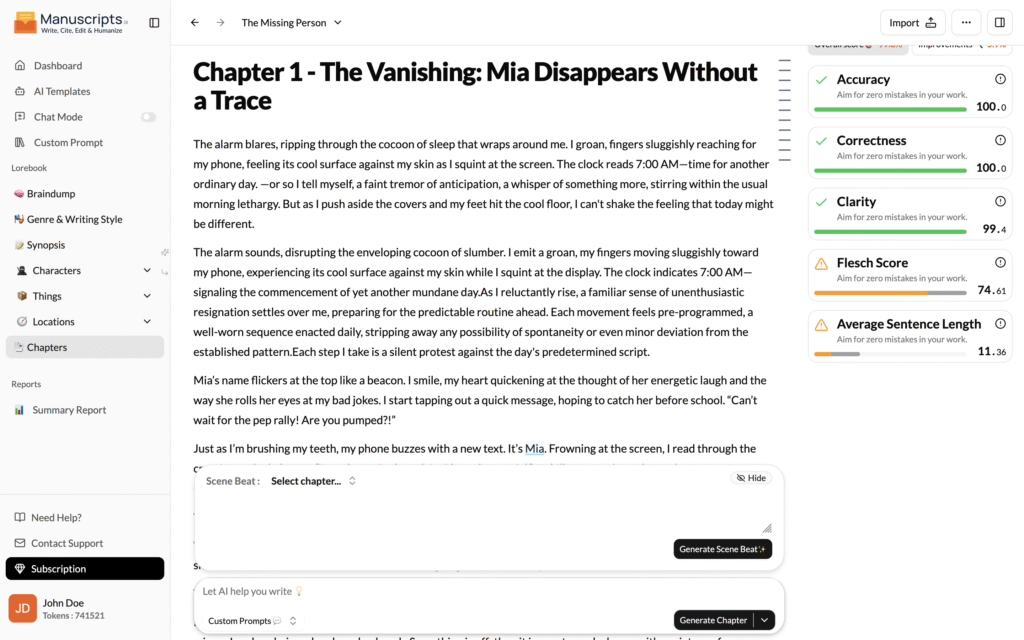
Writing a book with Manuscripts.ai begins by logging in and creating a new document, where you can immediately launch your creative process by populating a braindump of your raw ideas. From there, you establish the foundation of your story by defining the title, synopsis, genre, and writing style, all of which can be intelligently suggested by AI templates if you are seeking inspiration. You then build a rich, consistent world by adding characters, locations, and things to your project, providing the AI with the deep context it needs to maintain narrative integrity. Finally, by inputting specific scene beats, you can direct the AI to generate full chapters of polished prose, ensuring that every element—from the initial spark to the final manuscript—is streamlined through a fully integrated, AI-powered workflow.
- Chapters
- Keywords generator
- Export in few clicks
- Fast Response
The Ultimate Editor For Authors
Edit A Book
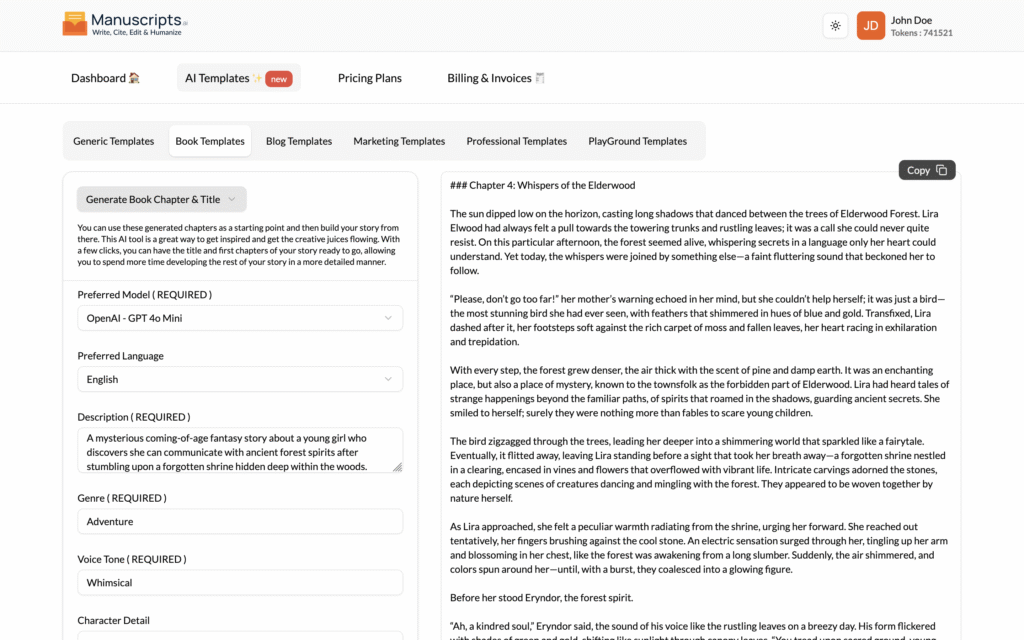
Editing a book within the platform involves a dual approach of data-driven analysis and stylistic refinement using the Summary Report and the Overview and Improvements Sidebar. Start by generating a Summary Report to view high-level metrics like your dialogue-to-narration ratio and pacing charts, which help you identify slow-moving chapters. Then, use the interactive Sidebar to navigate directly to stylistic issues, where the AI flags “crutch words,” passive voice, or instances of “telling” rather than “showing,” allowing you to resolve these issues instantly within the editor.
- Plot Analysis
- Pacing Suggestions
- Character Arc Tracking
- Dialogue Enhancement
The Ultimate Editor For Students
Write A Research Paper
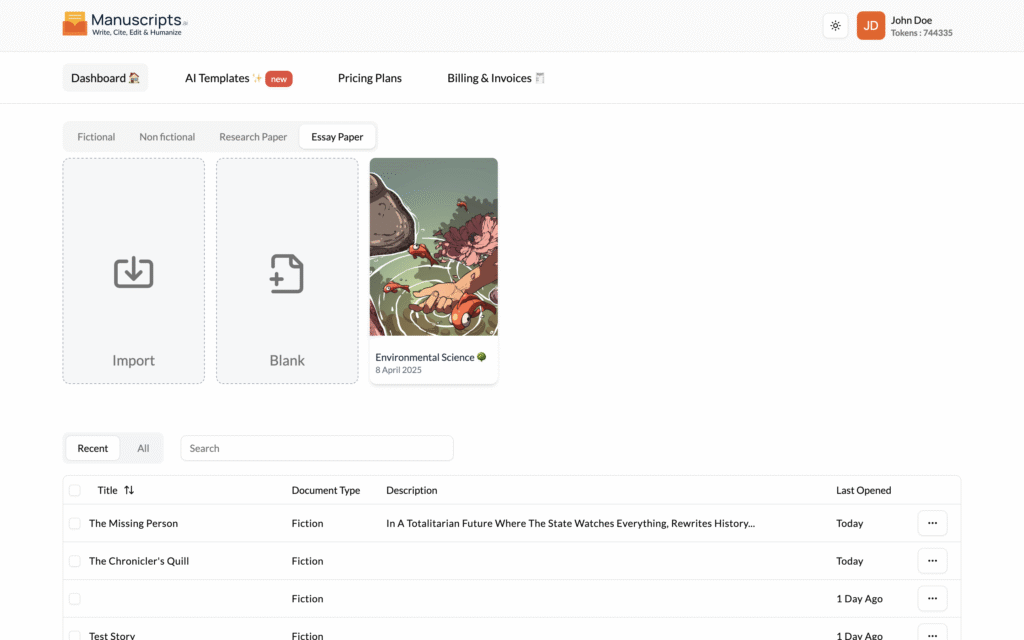
Writing a professional research paper on Manuscripts.ai begins by logging in and creating a new document, specifically selecting the research paper category to access specialized drafting tools. After establishing your foundation by adding comprehensive context and defining a formal writing style, you can input specific section content—such as data points, hypotheses, or methodology notes—for individual parts of your paper. The AI then uses these inputs to generate each section, from the abstract to the conclusion, ensuring a logically structured and academically rigorous draft. This entire workflow, from initial research synthesis to the final generated section, is optimized by the platform’s AI to save time and enhance the clarity of your scholarly work.
- Thesis Statement Generator
- Argument Builder
- Citation Formatting
- Plagiarism Checker
Pick Your Perfect Plan For Students
Write A Story
- Source Summarizer
- Literature Review AI
- Data Analysis Suggestions
- APA/MLA/Chicago Formatting
Creators love Manuscripts
130,000+ creators and teams chose Manuscripts to curate their Twitter presence.
Marc Köhlbrugge
Tweeting more with @manuscripts these days.
- Distraction-free
- Write-only Twitter
- Effortless threads
- Actionable metrics
I recommend giving it a shot.
Santiago
For 24 months, I tried almost a dozen Twitter scheduling tools.
Then I found @manuscripts, and I've been using for seven months straight.
When it comes down to the experience of scheduling and long-form content writing, Manuscripts is in a league of its own.
Easlo
I recommend @manuscripts, I use it to write all tweets and threads, include posting schedule and analytics.
Jurre Houtkamp
Manuscripts is fantastic and way too cheap for what you get.
We've tried many alternatives at @manuscripts nothing beats it. If you're still tweeting from Twitter you're wasting time.
Luca Rossi
After trying literally all the major Twitter scheduling tools, I settled with @manuscripts.
Killer feature to me is the native image editor — unique and super useful 👍
Naitik Mehta
I've reached 600K+ impressions since I started writing online 6 months ago @manuscripts 😊
Shoutout to the team for building a beautiful writing tool with thought, care, and good design.
- Clean UX/design
- Mobile-friendly
- Keyboard shortcuts
- Rarely see any bugs
DHH
This is my new go-to writing environment for Twitter threads.
They've built something wonderfully simple and distraction free with Typefully 😊
Visual Theory
Impressed by the way @manuscripts has simplified my Twitter writing, scheduling experience.
Beautiful user experience.
0 friction.
Simplicity is the ultimate sophistication.
daws.eth
Impressed with @manuscripts. It's the editor you wish Twitter had.
Saving multiple drafts, re-ordering tweets in a thread, and moving attached images around is EASY.
Smarter Writing, Faster Completion, Better Results
Simple pricing, no surprises – Get premium features at affordable rates with zero hidden fees.
AI-Assisted Writing 🔥
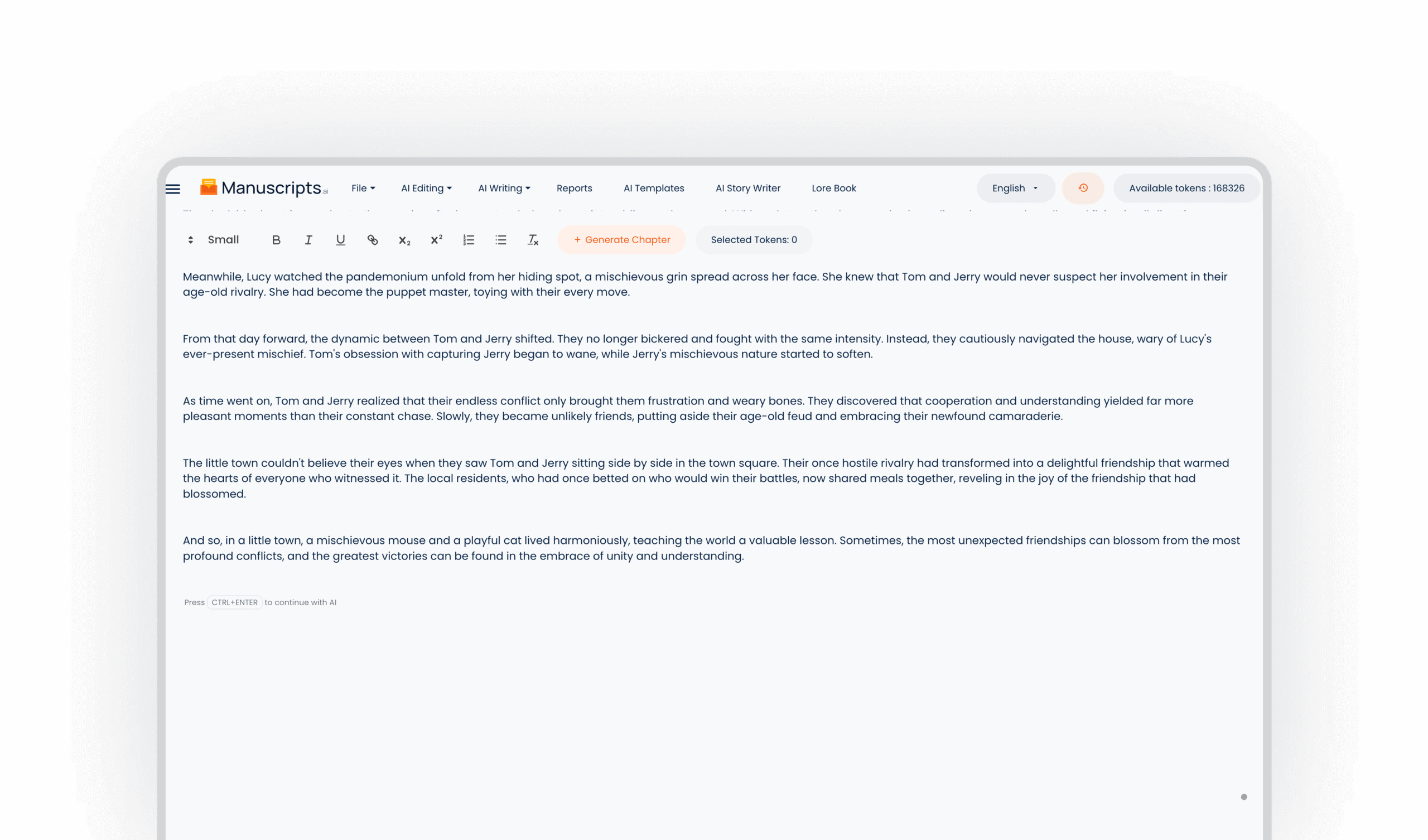
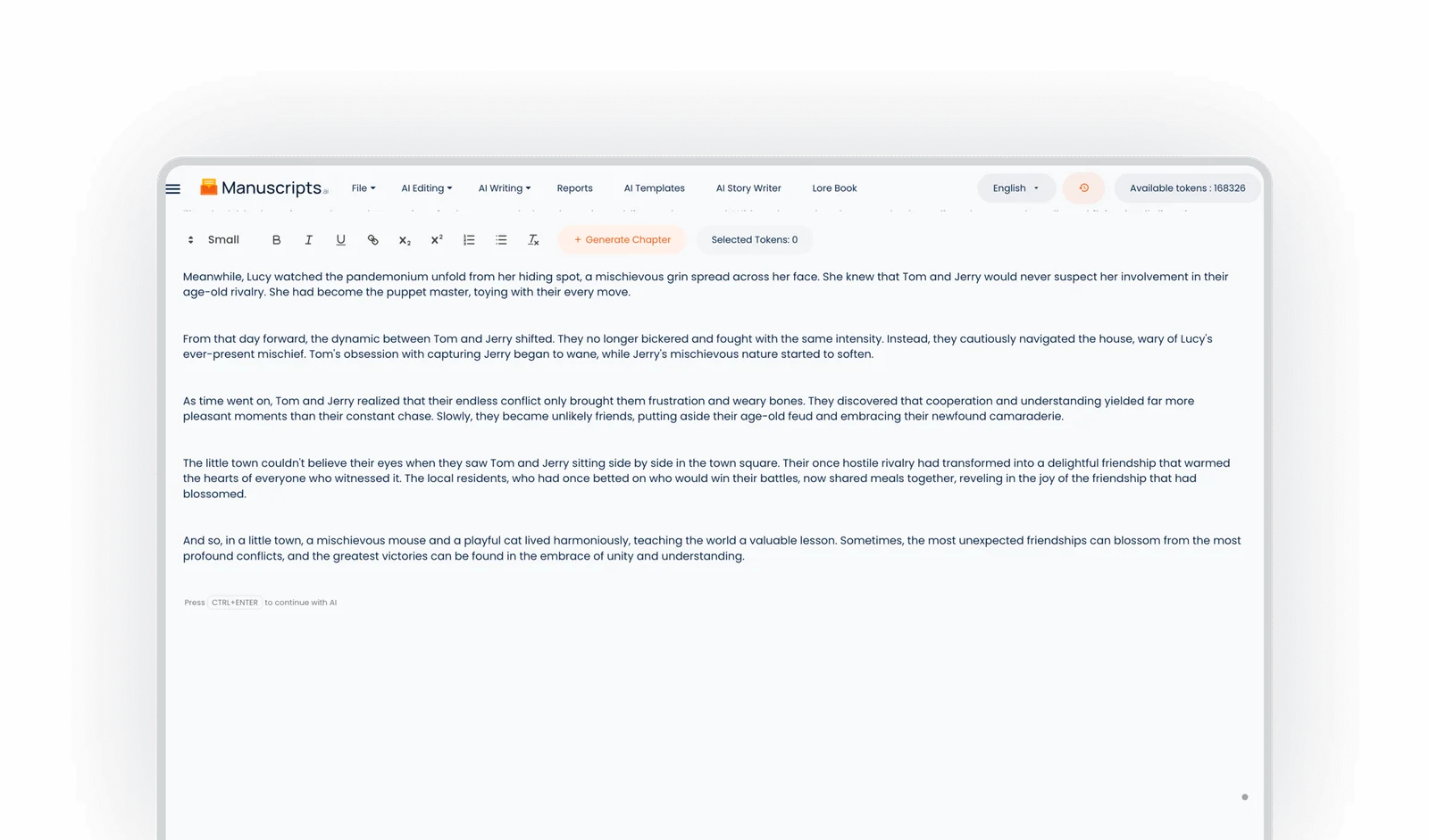
Let AI handle structure, flow, and suggestions while you focus on creativity and storytelling.
Humanized Output ✨
Our Humanizer ensures your writing stays natural, authentic, and emotionally engaging.
Speedy Writing 🚀
Save weeks of formatting, editing, and structuring with tools built for efficiency.
Smart Recommendations 💡
Real-time AI tips, tone checks, and quality suggestions to enhance every paragraph you write.
Frequently Asked Questions
Need help with something? Here are some of the most common questions we get.
Once you create a document, you can always find an option in the editor section called `Import File` using which you can upload your own book on the platform. You can use files with extensions .TXT, .DOCX, and .RTF to import your book into the editor.
Here is the video which will help you understand the process.
An AI Book Writer is an intelligent writing assistant meant to make you brainstorm, plan, and write full-length books much quicker. It is a creative co-author that helps you through from an idea to a finished draft on Manuscripts.ai.
Its main functions are the ability to sort raw ideas in the Braindump tool, find your tone with the Genre and Style Selector, create a shape of your story in the Synopsis Generator, and manage world-building in the Lore Book Creator. Character & Things module assists you to characterize and keep an eye on people, places, and things in your story. Manuscripts.ai simplifies the process of writing a book and makes it quick.
Manuscripts.ai and the AI Book Writer are simple to use and aid the entire process of writing. First begin by using Braindump tool where all the raw ideas, scenes or characters are entered. Next, choose your genre and style of writing to customise the tone and the structure of the AI.
Then create an effective story summary out of your ideas. Use Lore Book to develop your fictional world, such as setting, time line and world-building rules. The Characters & Things module allows defining characters, places, and significant objects, to which the AI refers to in the name of consistency.
Lastly, you can have Manuscripts.ai create your book outline and site-of-action beats so that you have a chapter-by-chapter book-writing proposal. With Manuscripts.ai you can write faster, smarter, and more creatively without wasting time taking concept from initial idea to final word.
The AI Edit feature is an integral part of writing where writers tend to follow the editing process where they try to fix all the Structural, Grammatical and Punctuation errors. This feature avoids the hassle of going through the whole document and keeps doing the fixes and AI provides the facility which provides a clean and ready-to-use content.
To start with AI Edit, you can simply select the content you wish to process. You will get an option `AI Edit` under `AI Commands`. Once you hover on `AI Edit` you will get all the edit options i.e. Structural Edit, Line Edit, Developmental Edit, Copy Edit. You can click on one of the options.
This will process your content, and you can see the generated content in popup or right panel depending upon the type of account you are subscribed to. For students, you will get the output in the popup format and, for authors, you will get the generated content in the right panel.
Here is the video which will help you understand the process.
To use our custom prompts feature just select a given text and then select the custom prompt option from drop down menu and add a custom prompt after the custom prompt is added select text and use the custom prompt anywhere you want and click on generate content.