Google My Business: About Products?
The chapter generator tool does all of it, whether it is genre or style; it assists in easily brainstorming a writer. The synopsis previews the plot with vivid, glowing characters and locations unique to them. The outline guides the progression, while scene beats add depth and details for each chapter. This is an incredibly advanced tool that makes writing smooth and creative.
How To Generate Business Product Introduction Using AI Tools?
The new “About this product” feature from Google Business is an AI-powered tool designed to streamline the process of creating content for your Google business listing. By inputting relevant business details, this feature will generate content about your product or service that is both professional and descriptive. An added benefit of using this product is that it can also link to more detailed information—enhancing the user experience for potential customers.
When using this tool, you don’t have to worry about tedious writing tasks or format your text to fit the platform’s specific requirements. All you have to do is enter the basic details of your product or service, and the AI-powered tool will generate an engaging content outline that you can customize to your needs. This eliminates the headache of having to create engaging content that sells your product or service—saving you time and effort.
The “About this product” feature is also very user-friendly and requires no coding or design experience. It is simple to use, even for first-time users. By providing this tool, Google is paving the way for businesses to take advantage of their listing’s potential—allowing them to reach out to potential customers through content that grabs attention and is tailored to your product or service.
Overall, the “About this product” feature offers a convenient and effective way to enhance your Google business listings. By inputting relevant details, you can generate content about your product or service that truly resonates with potential customers. It’s easy to use and requires no coding or design experience. With this tool, you can maximize your marketing reach and increase your customer base.
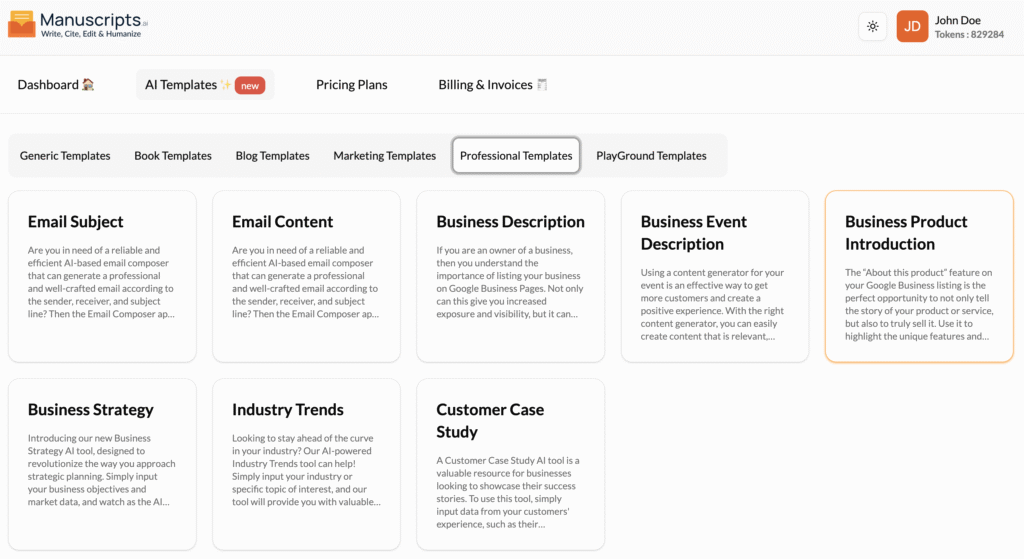
STEP 1
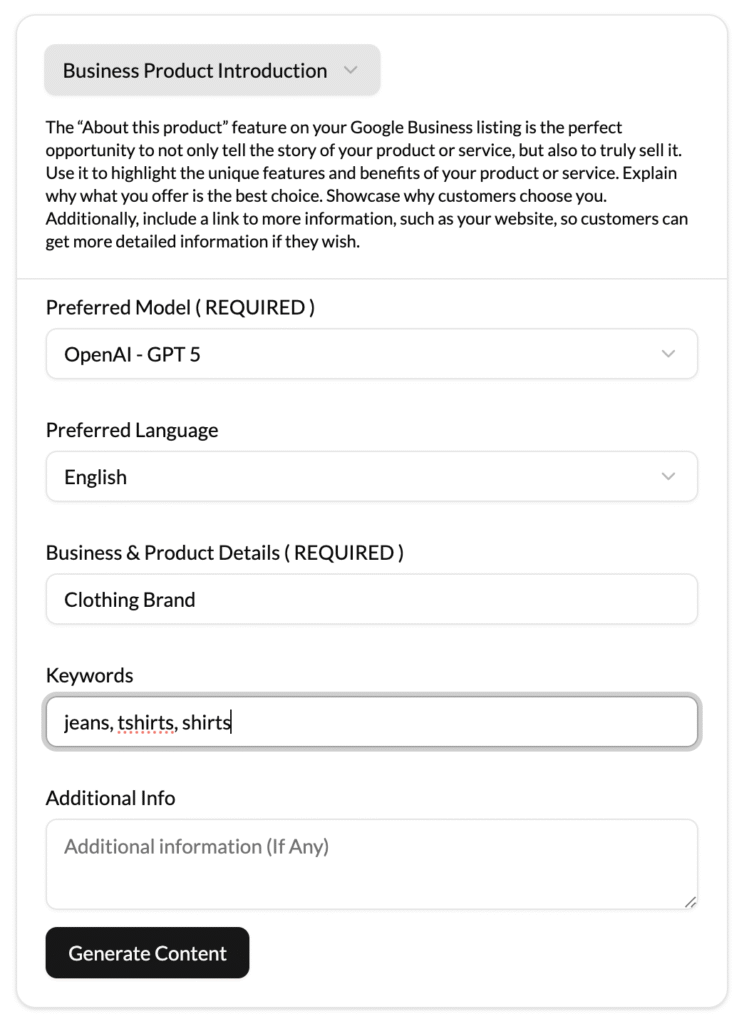
STEP 2
STEP 3
If there are any other form inputs, then fill them in (this will only be applicable to certain reports; if this is not available, skip to Step 4).

STEP 4
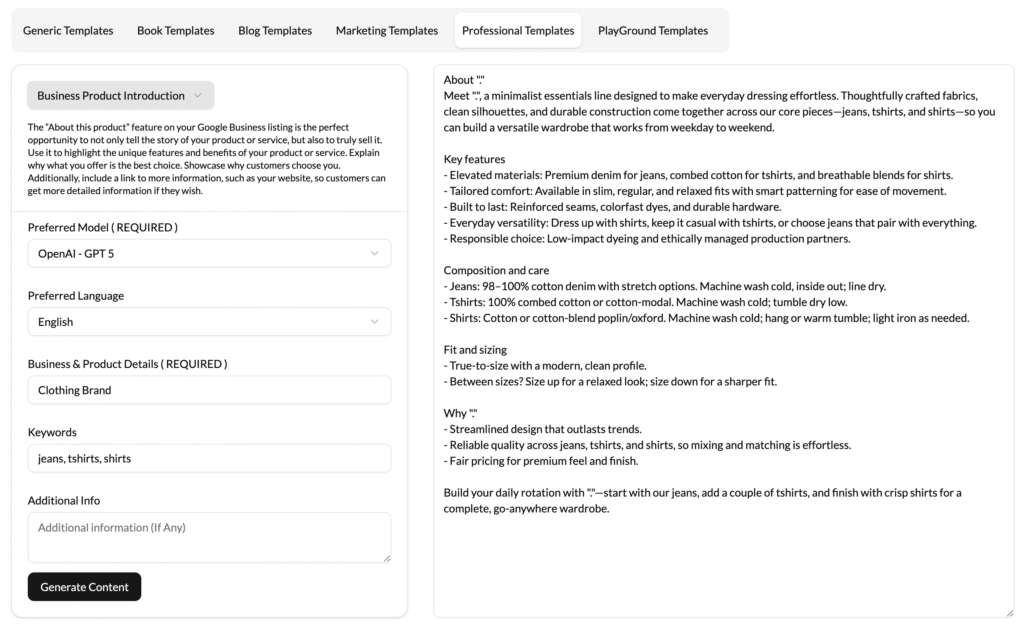
STEP 5
STEP 6