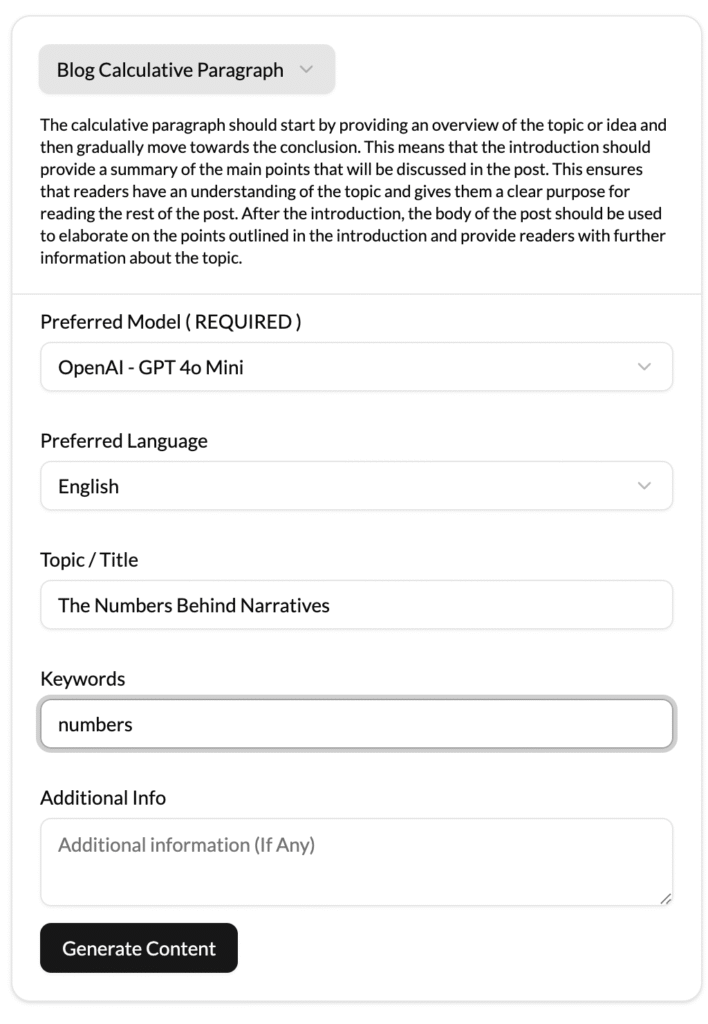
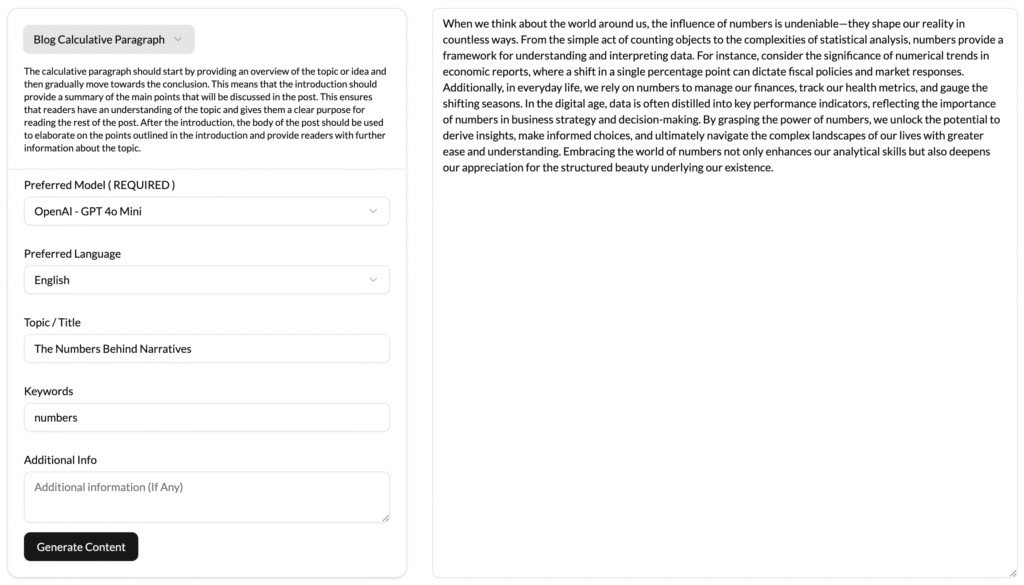
The AI-Driven Calculative Paragraphs analyzes the blog topic and its related information and extracts the primary elements that should be discussed in the post. From this data, it automatically creates the introduction and builds the body of the post. In order to make the output sound natural and engaging, the paragraphs are designed with an emphasis on readability, clarity, coherence, and accuracy.
The AI-Driven Calculative Paragraphs also automatically adds relevant quotations, topics, and relevant information to add contextual relevance. For each paragraph, users can specify additions, deletions, or edits that are suitable for their requirements. The tool then updates the edited sections and incorporates them in the final output.
This AI-based tool is also adept at adding visual elements, such as images, tables, or diagrams, to further enhance the readability and engagement of the blog post. To prevent plagiarism, it also provides accurate citations for any pieces of information used. Additionally, it can also dynamically adjust the length of the paragraph in accordance with the user’s preferences.
Overall, the AI-Driven Calculative Paragraphs is an innovative AI-based tool for quickly and easily generating in-depth calculative paragraphs for blogs. It can also be customized to suit the individual needs and requirements of the user. This is a great way to quickly and efficiently create engaging blog posts without having to spend hours researching and writing.