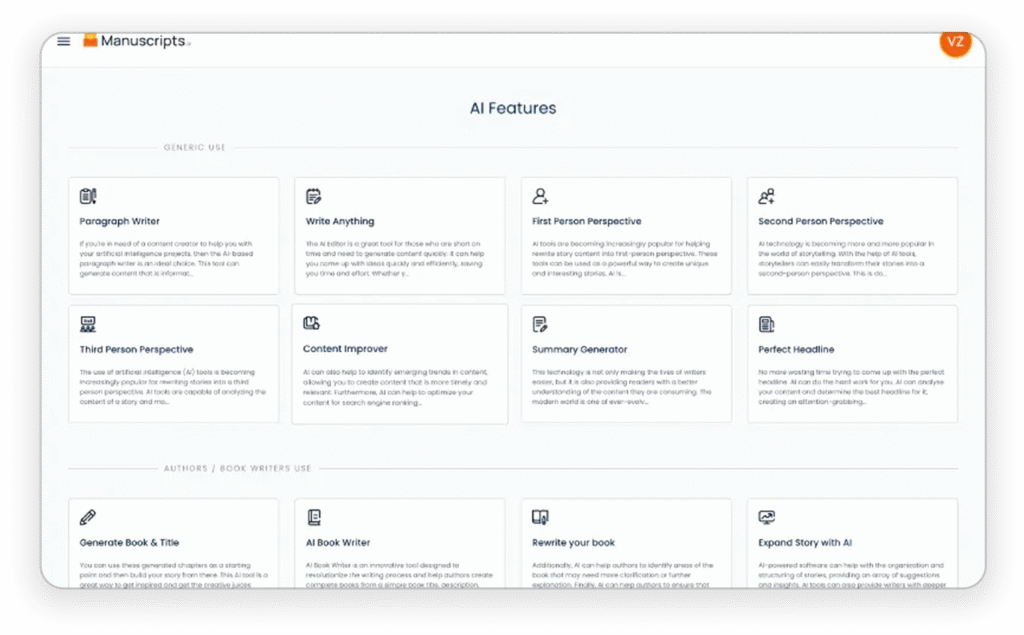
Introducing our revolutionary “Improve Structure” tool, designed to assist students in enhancing the organization and flow of their written content. Whether you are writing an essay, report, or any other academic paper, this user-friendly tool provides valuable feedback and suggestions to elevate your content to the next level.
One of the key highlights of the “Improve Structure” tool is its ability to analyze the existing content and offer suggestions for rearranging and rephrasing sentences and paragraphs, thus ensuring a cohesive and logical flow throughout the piece. This helps students to identify and address any potential inconsistencies or gaps in their arguments, ultimately leading to a more polished and refined final product.
In addition, the tool also provides guidance on the appropriate use of transitional phrases and connectors to seamlessly connect ideas and ensure a smooth transition between different sections of the content. This not only improves the overall coherence of the piece but also enables students to effectively convey their thoughts and arguments to the reader.
Furthermore, with built-in templates and outlines, the “Improve Structure” tool offers students a framework to organize their thoughts and ideas, making it easier to develop a well-structured and coherent piece of writing.
Overall, our “Improve Structure” tool is a valuable resource for students looking to elevate the quality of their academic work, empowering them to craft well-organized and compelling content that effectively communicates their ideas. With its intuitive features and insightful suggestions, this tool is guaranteed to be a game-changer for students striving for excellence in their writing.